Genmoji Online

Genmoji Online


Pixel Style — AI Emoji & Genmoji Generator

Create Pixel Style Genmojis

Type a short prompt or upload an image. Our model will generate multiple pixel options in seconds.

Create retro pixel art style genmojis with classic 8-bit aesthetics. Perfect for gaming and nostalgic vibes.

Classic 8-bit pixel art styleRetro gaming aestheticNostalgic and charming designPerfect for gaming communities

Why choose Pixel?

  • Consistent look for packs and sticker sets.
  • Works great for chats, streams, and community badges.
  • High-res export with transparent background.
  • Quick iteration: adjust prompt → regenerate variations.

When to pick alternatives

Choose 3D for realistic depth, Hand-drawn for artistic lines, or Pixel for retro 8-bit charm. Pixel is the sweet spot for clarity and impact.

Recent Pixel creations

Fresh results from our community using the pixel style.

genmoji: Hedgehog
genmoji:
genmoji: metallic star
genmoji: moderator icon
genmoji:
genmoji: A 3D emoji-style avatar of a young person with green eyes, bob wavy brown hair and blunt bangs, light skin, green eyes, wearing a small hoop earring and a nose ring. They are smiling warmly and raising one hand in a friendly wave. Outfit: black denim jacket over a white T-shirt. Style: Apple Memoji, smooth rounded features, minimalistic and cute, transparent background.
genmoji:
genmoji: bloated anthro dragon
genmoji: a boy with fluffy hair holding up 6-7
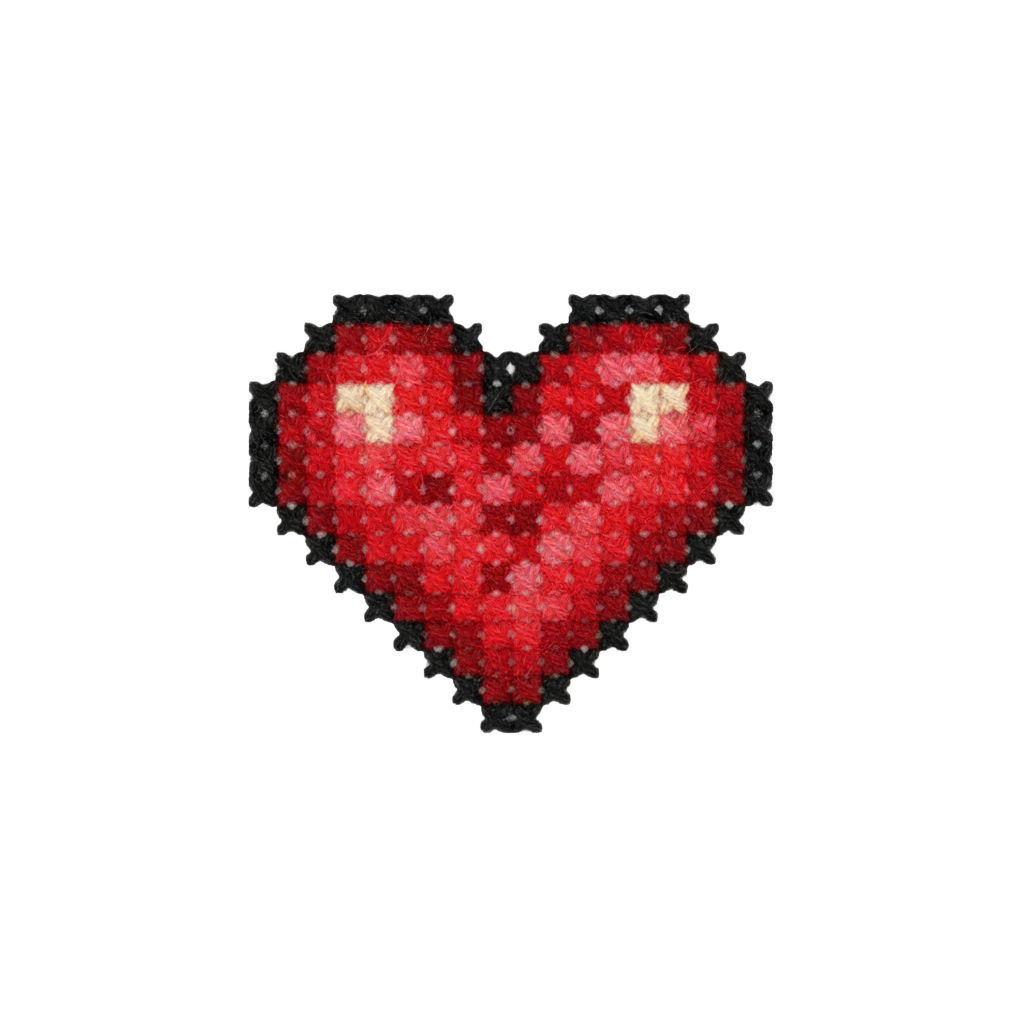
genmoji: Heart, low resolution
genmoji: Cat wearing sunglasses
genmoji: Penguin Wizard
genmoji: Baby Yoda

How to make Pixel genmojis (3 steps)

  1. 1. Describe

    Write a short prompt: subject + mood + color vibe + finish (e.g., glossy, matte).

  2. 2. Generate

    Create multiple options instantly. Tweak wording to match the exact pixel look.

  3. 3. Export

    Download transparent PNG or high-res files ready for social, stream overlays, or print.

Popular use cases for Pixel

Social & Chat

Upgrade your DMs and group chats with expressive, on-brand reactions.

Streaming & Creator

Channel badges, subscriber perks, and panel icons that pop on screen.

Community & Discord

Role icons, event stickers, and custom reactions for servers.

Marketing & Branding

Promo banners, campaign stickers, and unique brand mascots.

Gaming

HUD icons, collectible stickers, and profile avatars for guilds and teams.

Education

Reward badges, lesson markers, and friendly tutorial helpers.

Prompt ideas for Pixel

  • A pixel style emoji of a smiling face with sparkling eyes, high contrast, clean lighting
  • Pixel style: cute animal mascot holding a coffee cup, soft gradient, minimal background
  • Pixel style badge of a golden trophy, centered composition, high detail
  • Pixel style weather icon set: sun, cloud, rain, snow, consistent color palette
  • Pixel style reaction pack: LOL, OMG, WOW, subtle shadows, crisp edges
  • streamer pack in Pixel style: subscribe, like, follow, neon accents
  • Pixel style esport avatar, bold outline, expressive eyes
  • festival sticker in Pixel style: fireworks, confetti, vivid hues
  • Pixel style 3-icon set for productivity: focus, break, done
  • food emoji in Pixel style: ramen bowl, glossy highlights
  • Pixel style travel pin: Tokyo landmark, clean geometry
  • Pixel style mood set: happy / calm / excited, cohesive set

Tip: keep it short; specify subject, mood, colors, and finish.

FAQ — Pixel style

What is the Pixel style?

Pixel focuses on retro pixel art style. It’s ideal for quick reactions, messaging, and social sharing.

How do I create Pixel style genmojis?

Use the generator below: describe your idea in a short prompt, or upload a reference image. You’ll get multiple pixel variants to choose from.

Can I use Pixel genmojis commercially?

You can download and use your outputs. For brand or large-scale commercial usage, review our Terms and check any third-party assets you include.

Do you support transparent backgrounds and high-res export?

Yes. Export with transparent PNG and high resolution for social, stream overlays, or print-ready assets.

What prompts work best for Pixel?

Keep prompts concise. Specify subject, mood, color vibe, and finish (e.g., “glossy”, “matte”, “pixelated”) for consistent results.

How is Pixel different from other styles?

Pixel emphasizes the unique look mentioned above. Compare below to see when to pick alternatives like 3D, Hand-drawn, or Pixel.

Ready to create more Pixel?

Explore other styles or jump back to the generator to craft a cohesive pack.